
Manage your Board of Directors meetings, from agenda to meeting minutes.
Board management software is a secure platform that brings together the entire board meeting lifecycle, from meeting invitations and agendas to confidential documents, meeting minutes, resolutions, voting, electronic signatures, and decision tracking. Beeboard is Beenote’s premium solution, designed for boards of directors and executive committees, with data hosted in Canada.
No credit card required
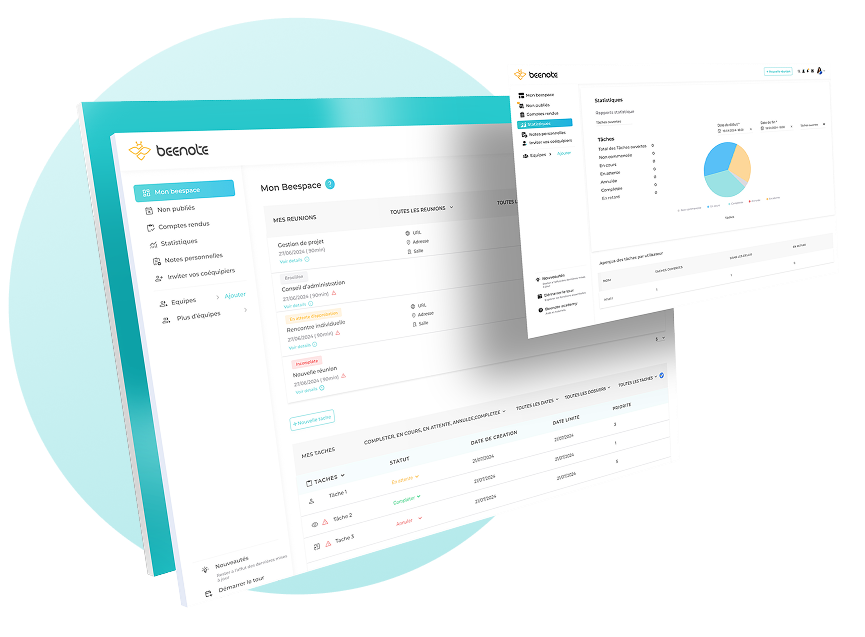






















Beenote Governance 360°
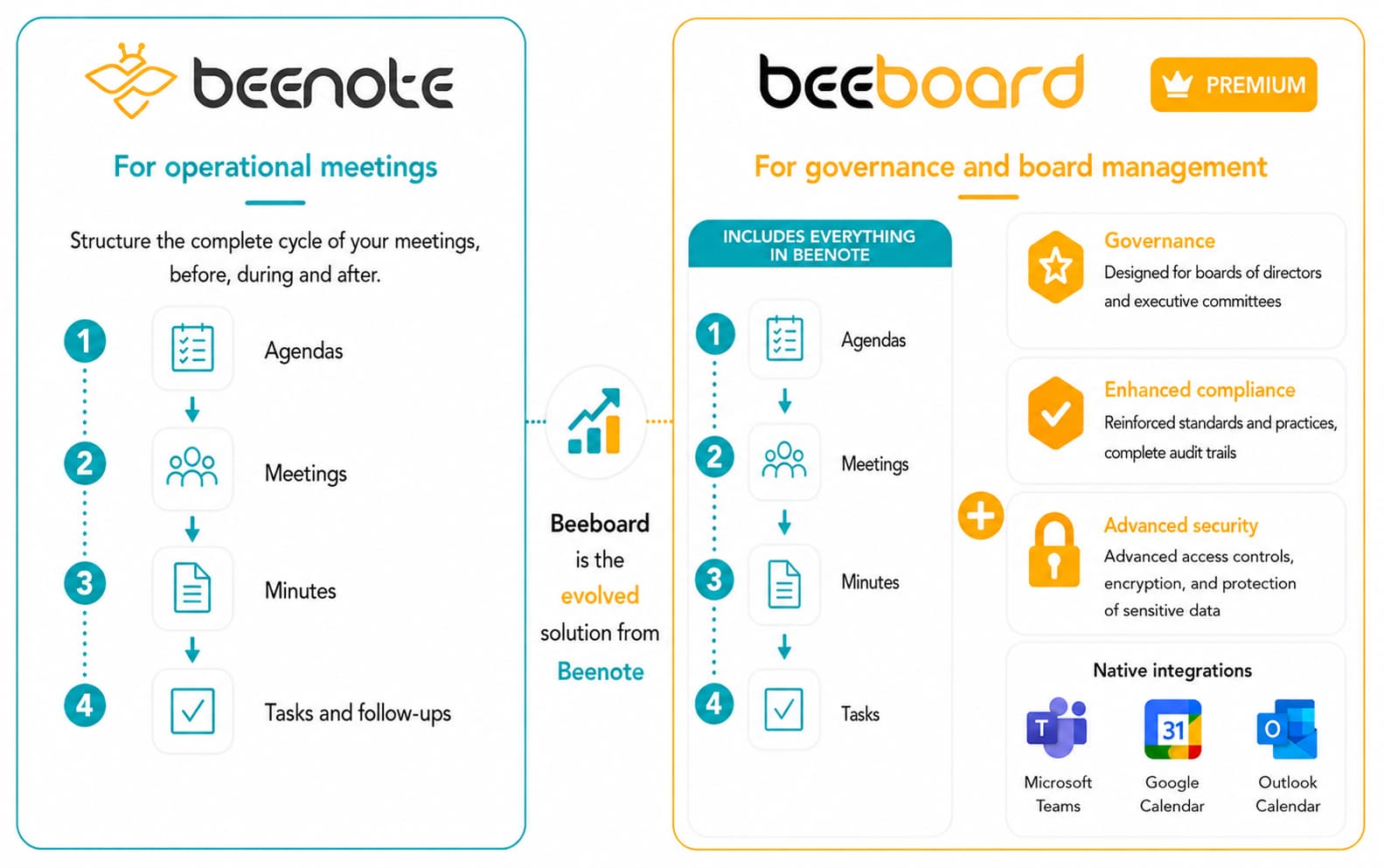
Beeboard: the premium version of Beenote
for board of directors and executive committees
It retains all the simplicity of Beenote for preparing, conducting, and following up on meetings, while adding advanced governance features.
Beeboard enables organizations to structure their strategic meetings in a secure, confidential environment
that is better suited to governance requirements.
Beeboard helps you achieve
stronger governance
Beeboard is designed for executives and directors who want to strengthen governance practices through structured meeting management.
It serves as a central platform for secure information sharing, informed decision-making, and effective risk management.

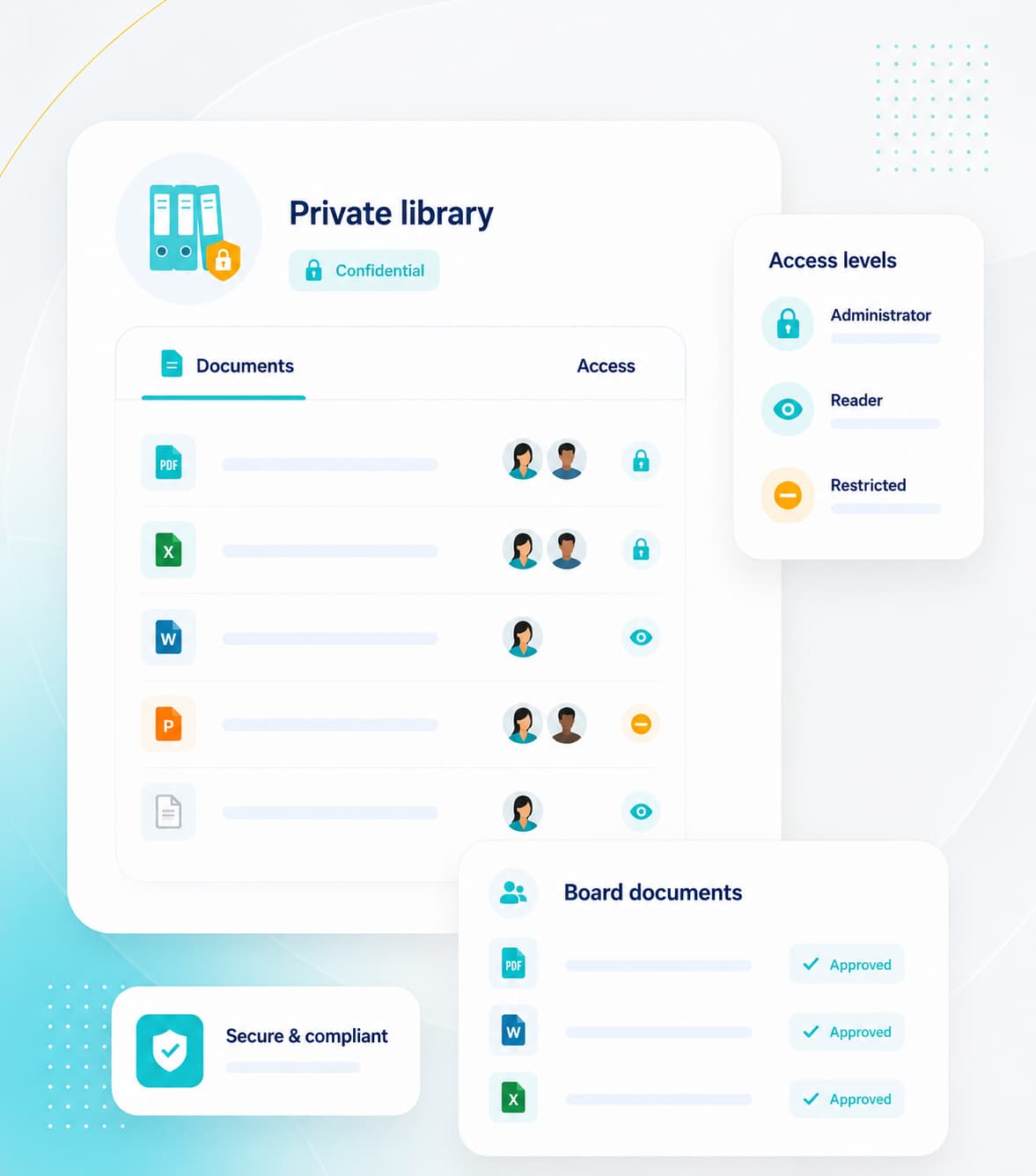
Private Library
Centralize confidential documents and manage access securely.

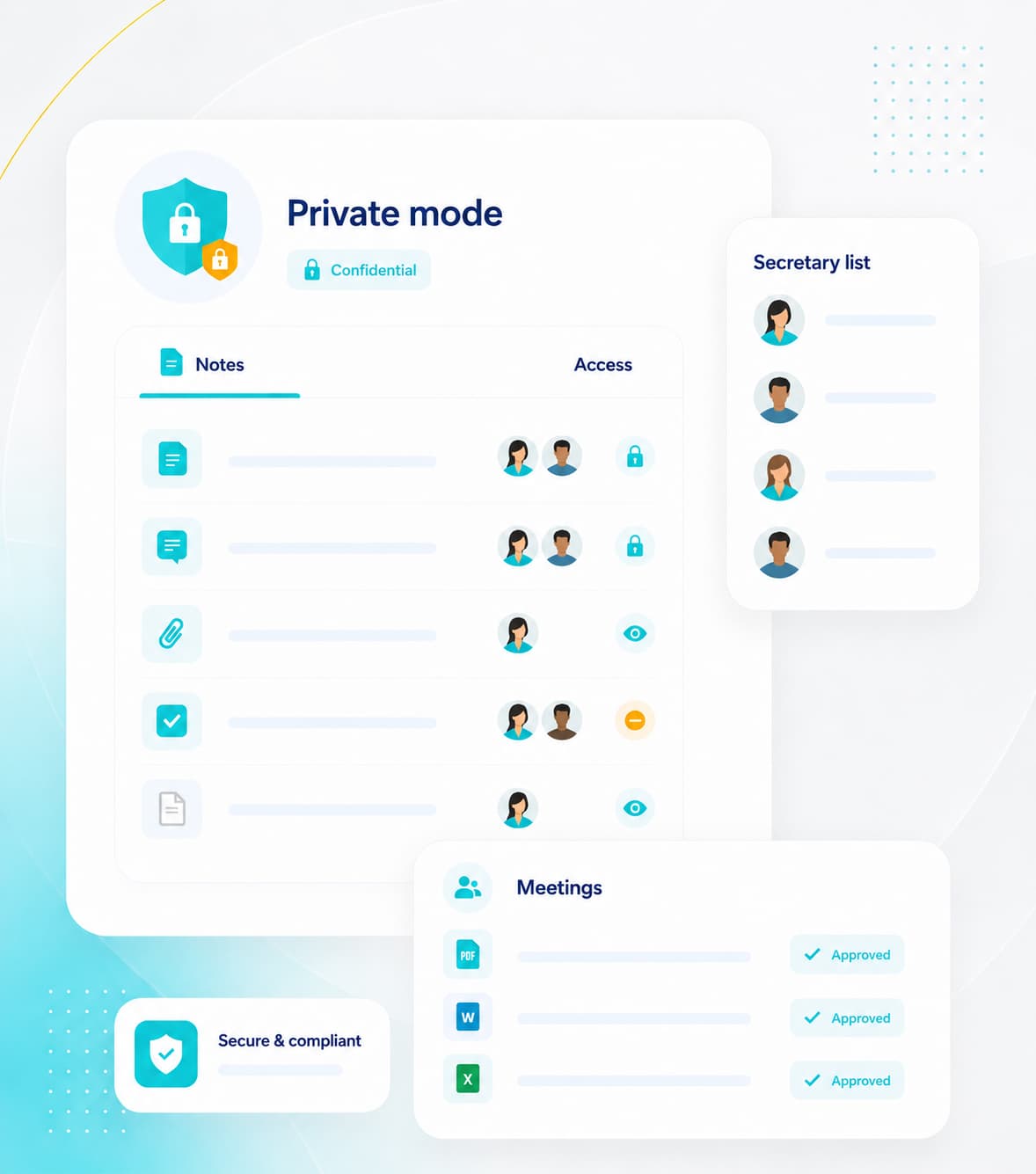
Secretary Mode
Designate meeting secretaries and take private notes securely.

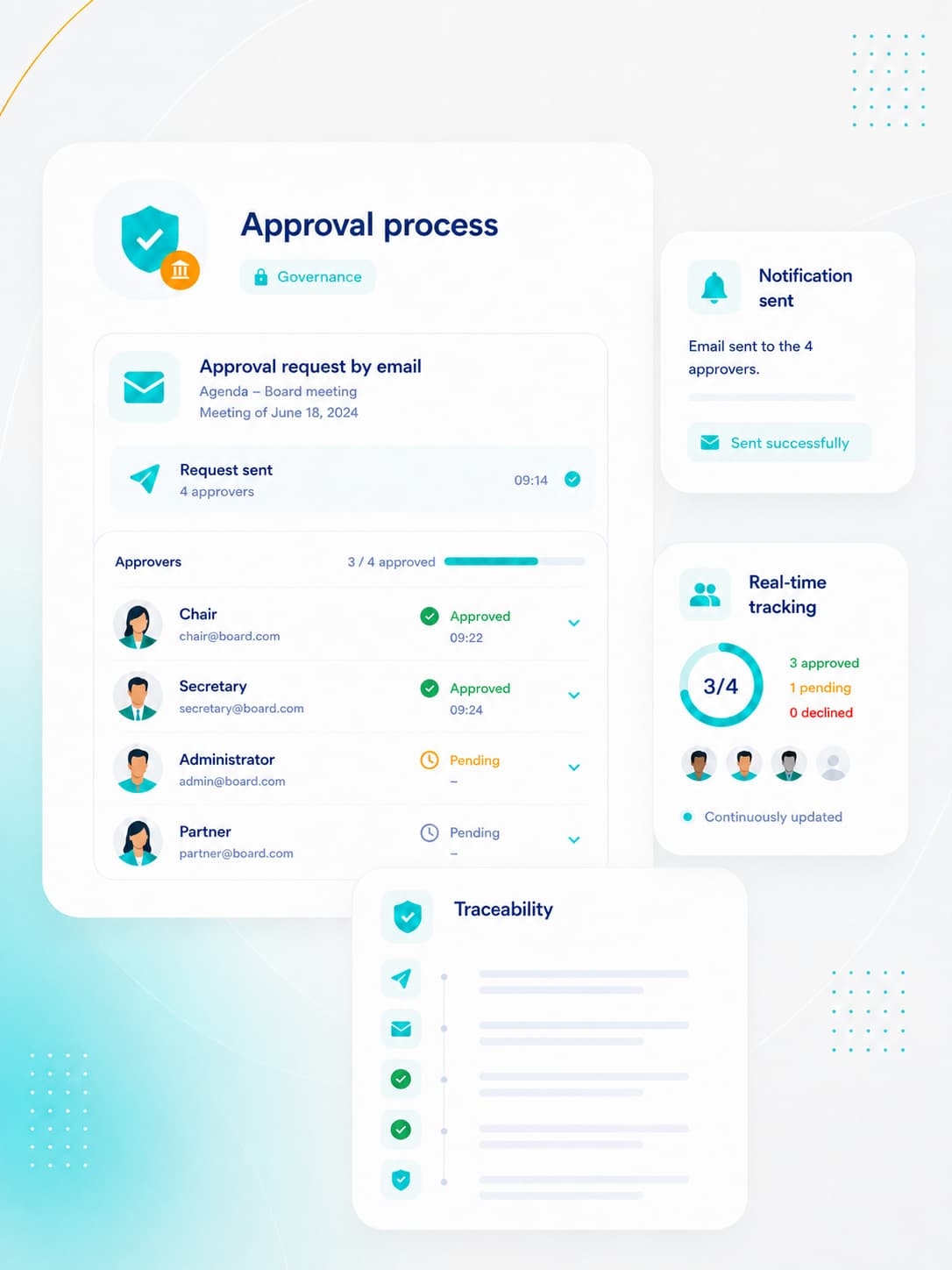
Approval Process
Approve meetings through a structured approval workflow.

Resolutions and Votes
Approve decisions and manage votes securely.

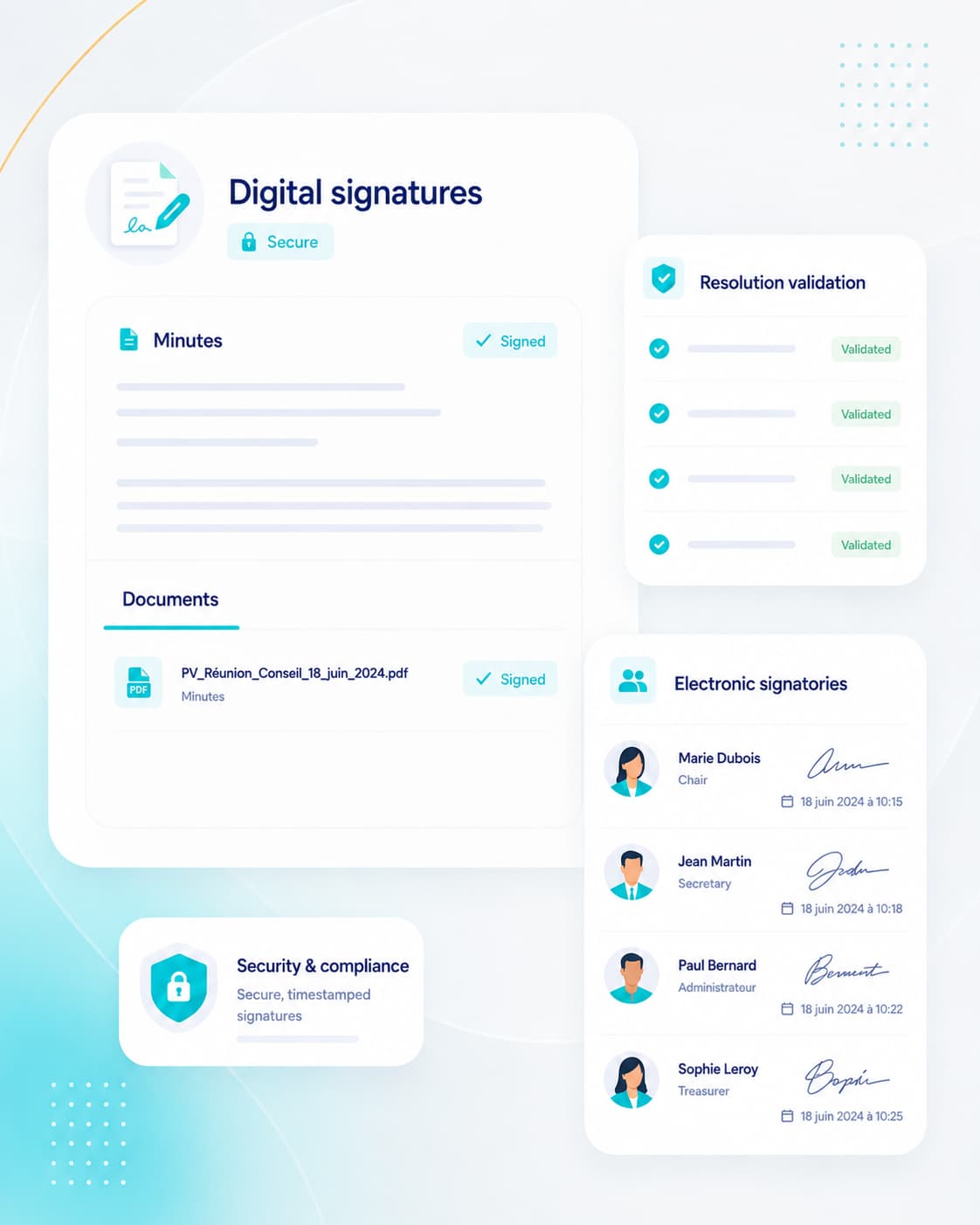
Digital Signature
Sign documents using a legally valid electronic signature.
Private Library
Governance-focused document management
Secretary Mode
Private real-time note-taking
Once the meeting is over, the secretary can review, organize, and validate the notes before converting them into official, compliant minutes.
Approval Process
A collaborative approval workflow designed to support your meetings
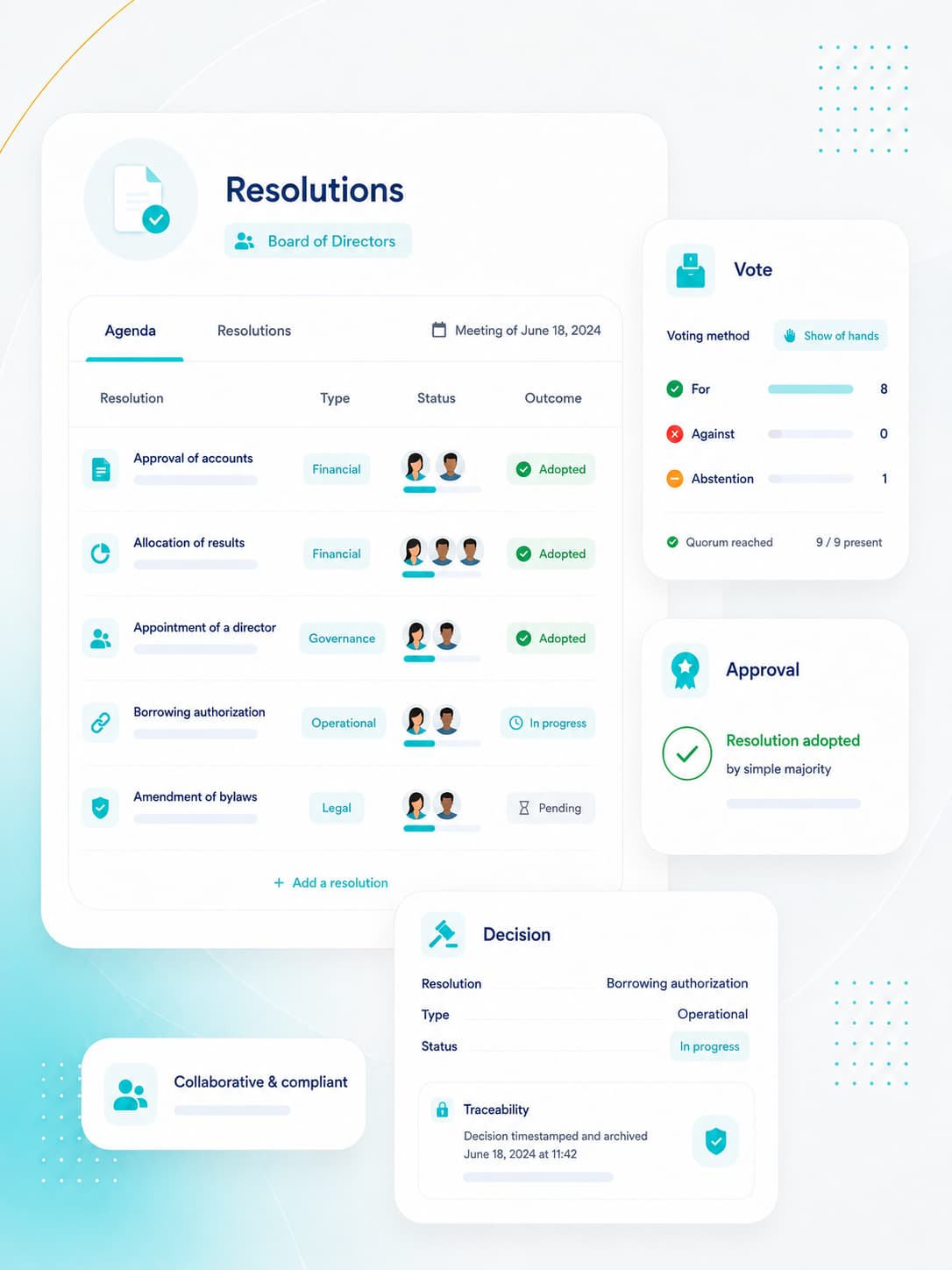
Resolutions and Votes
Board Resolutions and Voting Procedures
Digital Signature
Digital signatures for trusted decisions
Features
Key Beeboard capabilities for structured, controlled governance
Built to complement Beenote, Beeboard provides advanced capabilities to organize, structure, and secure Board
and Executive Committee meetings.
Approval process
Face-to-face and Advance Voting
Integration with Your Tools
Digital Signature
Secretary or Private Mode
Private Library
Personal note
Two-factor authentication
Join the Organizations That Manage Their Board Meetings with Beenote
Integration
Seamless integration within your existing
work environment
Keep collaborating with the tools you already use while bringing greater structure
to your meetings, documents, and decisions.

Microsoft Teams Integration
Use Beenote directly during your video conferences. Every meeting scheduled in Beenote automatically generates a Microsoft Teams link, giving participants one-click access.

Google Calendar Integration
Simplify board and committee scheduling. Every Beenote meeting is added to your calendar, reducing email exchanges and ensuring real-time synchronization once the agenda is created.

Microsoft Outlook Integration
Schedule governance meetings more efficiently. Create clear agendas directly from your calendar, check availability, and avoid the back-and-forth typically required to secure a meeting time.
Security
Advanced protection for strategic data
and confidential information
Backed by more than 20 years of experience developing solutions used by courts, Beenote’s creators bring proven expertise in information security
and the confidential handling of sensitive data.

Privacy
Governance aligned with the requirements of the most demanding professional environments
With Beenote, all shared information is protected through advanced security measures and strict access controls.
Your organization maintains full control over content confidentiality while fostering secure, seamless collaboration among directors, committees, and teams.
.

Private Library
Bring your documents into one organized, secure space.

Private Team
Beeboard committees designed to protect confidential discussions.

Access Control
Secure document access with watermarking.
Two-Factor Authentication
Secure access and protect your data.

Organization Activity Log
A clear audit trail of all key actions.
For governance bodies
Designed for boards of directors,
committees, and executive teams
Beenote helps organizations to organize their governance meetings, centralize sensitive documents
and rigorously follow-up on decisions, responsibilities and minutes, in a secure and controlled environment.

Boards of directors and committees
Prepare meetings with a clear view of the agenda, documents, decisions and follow-ups, helping to enable more structured discussions and better informed decisions.

Corporate secretaries and governance leaders
Professionalize the whole governance cycle from agenda setting to final minutes of the meeting with better traceability and reliable institutional memory.

Executive directors and senior leaders
Keep meetings in sync with clear follow-ups on decisions, responsibilities and action items to ensure stronger continuity in the organization.

Assistants, coordinators, and support teams
Simplify meeting prep, centralize documents, and reduce scattered follow-ups to better support board members, committees and executive teams.
Frequently Asked Questions
Your Questions About Board Management Software
and meeting minutes generation.
What is board management software?
Board management software is a secure platform that brings together everything a board needs to conduct its meetings: meeting invitations, agendas, confidential documents, note-taking, minutes, resolutions, voting, electronic signatures, and decision tracking. Board members can access all relevant information in one place, before, during, and after each meeting.
What is the difference between Beenote and Beeboard?
Beenote is designed to manage team and committee meetings. Beeboard is its premium solution for boards of directors and executive committees. It offers advanced features such as a private library, secretary mode, approval workflows, resolutions and voting, electronic signatures, and an activity log.
Where is the data hosted, and how is it protected?
Data is hosted in Canada. Access is protected by two-factor authentication, team- and document-level access controls, watermarks on sensitive files, and an activity log that tracks key organizational actions.
Is Beeboard suitable for nonprofits, associations, and childcare centers?
Yes. Beeboard is designed for the boards of nonprofits, associations, and childcare centers (CPEs) in Quebec and across Canada, as well as corporate executive committees. It adapts to each organization’s meeting cycle, regardless of its size.
How are meeting minutes and resolutions managed?
During the meeting, the secretary records attendance, discussions, decisions, and votes directly in the agenda using secretary mode. The minutes are then submitted for approval, electronically signed, and stored alongside the meeting documents. Resolutions and votes, whether conducted in person or in advance, are recorded along with their results.
Can board documents be signed electronically?
Yes. Meeting minutes and resolutions can be electronically signed in Beeboard, eliminating the need to print documents or circulate them by email.
Does Beeboard integrate with Microsoft 365, Teams, Outlook, and Google?
Yes. Meetings can be scheduled through Outlook or Google Calendar. Each meeting can generate a Microsoft Teams link, tasks can be synchronized with Microsoft To Do or Google Tasks, and Antidote proofreading tools can review agendas and meeting minutes.
How much does Beeboard cost, and how can I try it?
Available plans and included features are detailed on the pricing page. You can try Beenote for free, with no credit card required, or book a personalized demo to see how Beeboard fits your organization’s meeting cycle.