
Executive Assistant and Meeting Coordination
Meeting Coordination Software for Executive Assistants
Whether you are an executive assistant, meeting coordinator, assistant to the chair, or committee secretary, you play a key role in keeping the board of directors and its committees running smoothly.
Scheduling meetings, sending invitations, gathering documents, following up with participants, taking notes, preparing meeting minutes, and tracking decisions: it all falls to you, often alongside your other responsibilities.
Beenote, a governance platform for boards of directors, committees, and management teams, brings the entire meeting cycle together in one place: calendars, invitations, agendas, documents, attendance, notes, meeting minutes, tasks, and follow-up.
Beeboard, Beenote’s edition for boards of directors, helps executive assistants prepare and manage meetings more efficiently, with fewer follow-ups and data hosted in Canada.
























Five Challenges in Meeting Coordination and How Beeboard Makes a Difference
Coordinating a board of directors and its committees means managing dozens of details that only become noticeable when something goes wrong: a missing document, a forgotten meeting invitation, or a task that no one follows up on.
With Beeboard, meeting coordination software, you can:
Meeting Cycle
The Board Meeting Cycle in Four Steps with Beeboard
Whether it’s a board of directors meeting, a committee meeting, or a general assembly, coordination follows the same key steps.
Here’s how Beeboard, meeting coordination software, supports each stage. Timelines and formal requirements remain subject to your organization’s bylaws and internal policies.
1. Schedule the Meeting
Choose a date based on participants’ availability, send calendar-synced invitations, and track attendance confirmations.
2. Prepare the Agenda
Start with a template, collect agenda items from contributors, attach documents to each item, obtain approval, and publish the agenda.
3. Conduct the Meeting
Track attendance and quorum, manage time for each agenda item, take notes, conduct votes, and document resolutions.
4. Finalize and Follow Up
Prepare the meeting minutes, have them reviewed and signed, then track tasks and decisions through to the next meeting.
Documents
A Complete Meeting Package, with No Missing Attachments
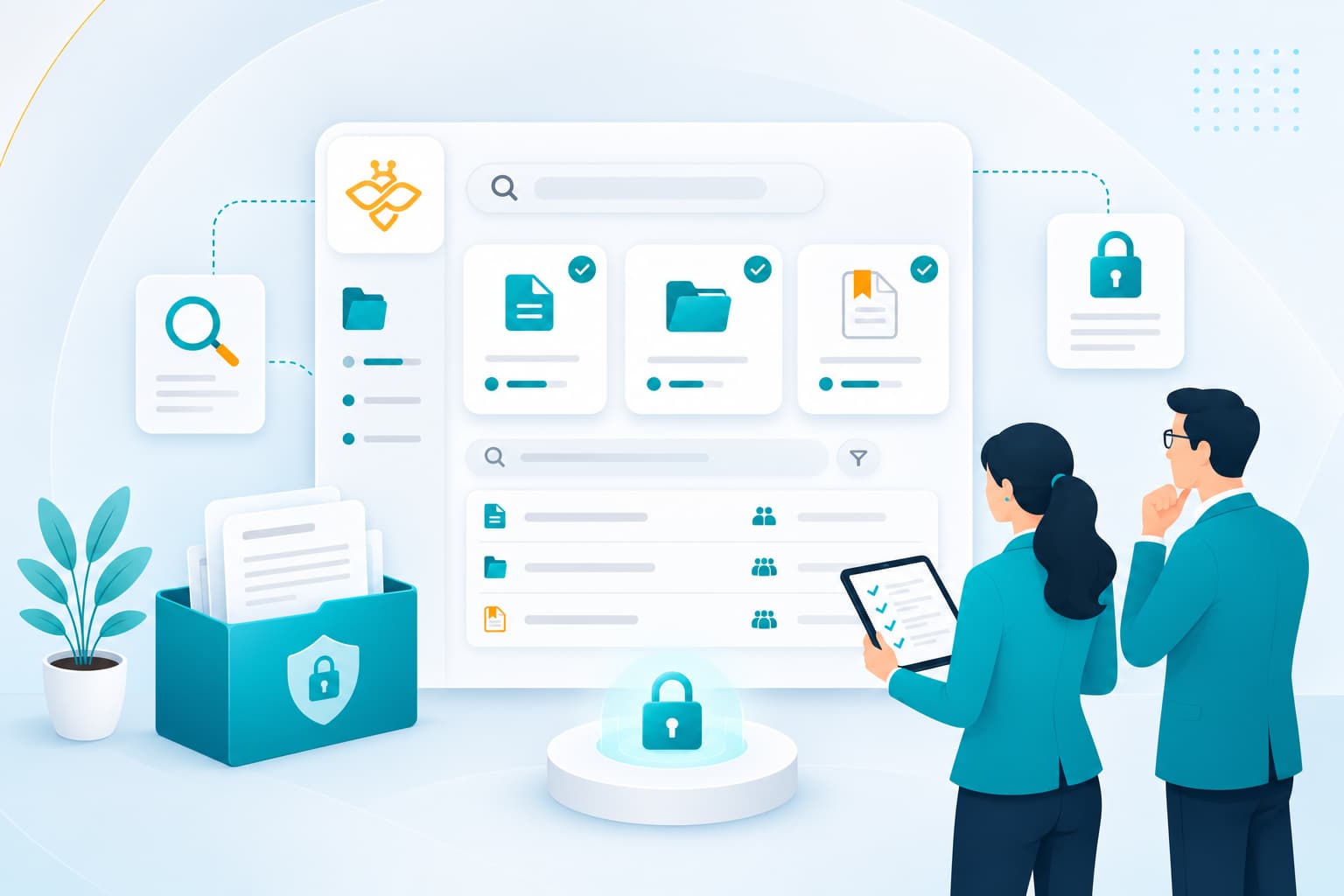
Each document is attached to its corresponding agenda item, so board members know what to read and in what order. The document library and its folder structure keep bylaws, policies, committee charters, and previous meeting minutes readily accessible.
You can set viewing and downloading permissions for each user, add watermarks to sensitive documents, and allow board members to annotate documents from a computer, tablet, or smartphone. Everyone works with the same documents, all in one place.
Fewer follow-ups,
better-prepared meetings.
Save time
Reuse What Already Works
Agenda templates and meeting duplication let you reuse the structure of recurring meetings, including the approval of previous meeting minutes. The calendar view brings together meetings across all your governing bodies, while time management allows you to allocate a specific duration to each agenda item.
For document preparation, the Antidote integration helps proofread and correct your French texts, while the review-before-publication process allows the chair or corporate secretary to approve meeting minutes before they are distributed. Need assistance? Our team provides personalized support and online help to guide you.

Hold your meetings in person, online or in a hybrid format
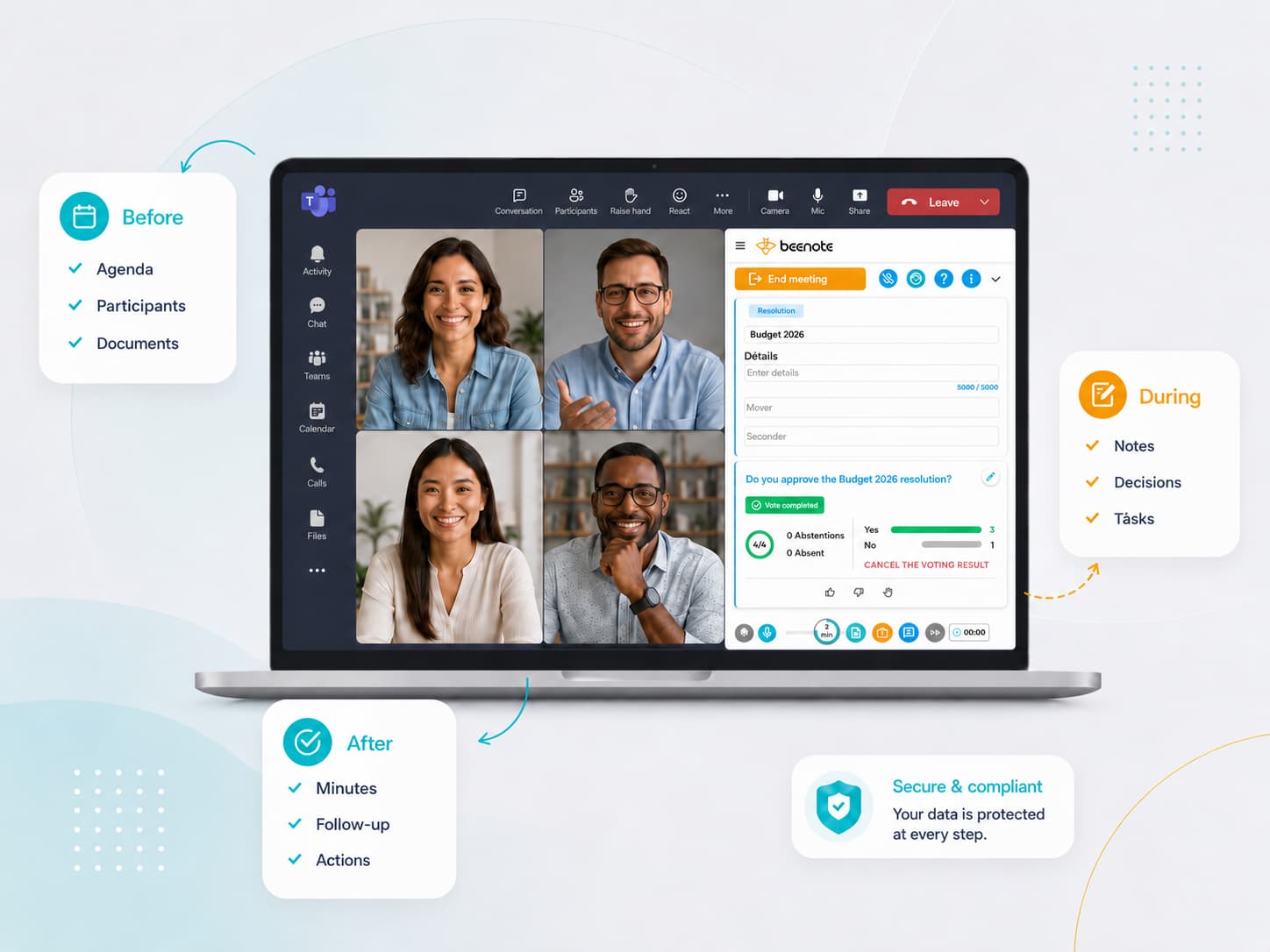
Whether board members are attending in person, joining remotely, or participating in a fully virtual committee meeting, every session is prepared and documented in the same way. The Teams plugin and synchronization with Outlook and Google Calendar ensure that meetings appear in everyone’s calendar.
During the meeting, collaborative note-taking, timers, and electronic voting are available to all participants, wherever they are.
Features
Key Beeboard capabilities for structured, controlled governance
Built to complement Beenote, Beeboard provides the features executive assistants need to coordinate board and committee meetings,
from scheduling to decision tracking.
Approval process
Face-to-face and Advance Voting
Integration with Your Tools
Digital Signature
Secretary or Private Mode
Private Library
Personal note
Two-factor authentication
Security and Compliance
Canadian Data Hosting, Controlled Access
Your data is hosted in Montreal, Canada, on Amazon Web Services (AWS) infrastructure, with a MongoDB Atlas database deployed in the same region. Data is protected by encryption in transit (TLS 1.2 or higher) and at rest (AES-256). Our infrastructure providers hold SOC 1, SOC 2 and SOC 3 attestations, as well as ISO/IEC 27001, 27017 and 27018 certifications.
Access management is based on tailored permissions, two-factor authentication and committee-level data segregation. An audit log, retained for 36 months and available in a usable format, ensures traceability of all actions.
Your data remains the property of your organization. At the end of your subscription, you can export your data before it is securely destroyed in accordance with a documented procedure. A certificate of destruction can also be provided.
Regular backups and recovery procedures further help ensure data availability and business continuity.


FAQ
Frequently Asked Questions: Meeting Coordination Software for Executive Assistants
Do board members need training to use Beeboard?
Board members receive meeting invitations by email, then access the agenda and documents, add annotations, vote, and sign documents directly from a web browser, tablet, or smartphone. For you and your team, personalized support and online help are available to make onboarding easier.
Can multiple governing bodies be coordinated in one place?
Yes. The board of directors and each of its committees have their own dedicated space, with private committees for confidential discussions. The calendar view brings all meetings together, while roles and permissions ensure that each person has the appropriate level of access.
How can you add a last-minute document?
Simply attach the document or link to the relevant agenda item. It becomes available on the platform to authorized participants, without the need for another email. You can also continue editing the agenda in draft mode until it is published.
Does Beeboard work with Outlook, Teams, and Google Calendar?
Yes. Meetings synchronize with Outlook Calendar and Google Calendar, the Teams plugin supports your video conferences, and tasks synchronize with Microsoft To Do and Google Tasks.
Who can access confidential board documents?
Only the people you authorize. You can set viewing and downloading permissions for each user, use secretary-only or private mode and private committees for sensitive matters, add watermarks, and track document access through the activity log.