


Microsoft 365: one schedule, one unified meeting experience.
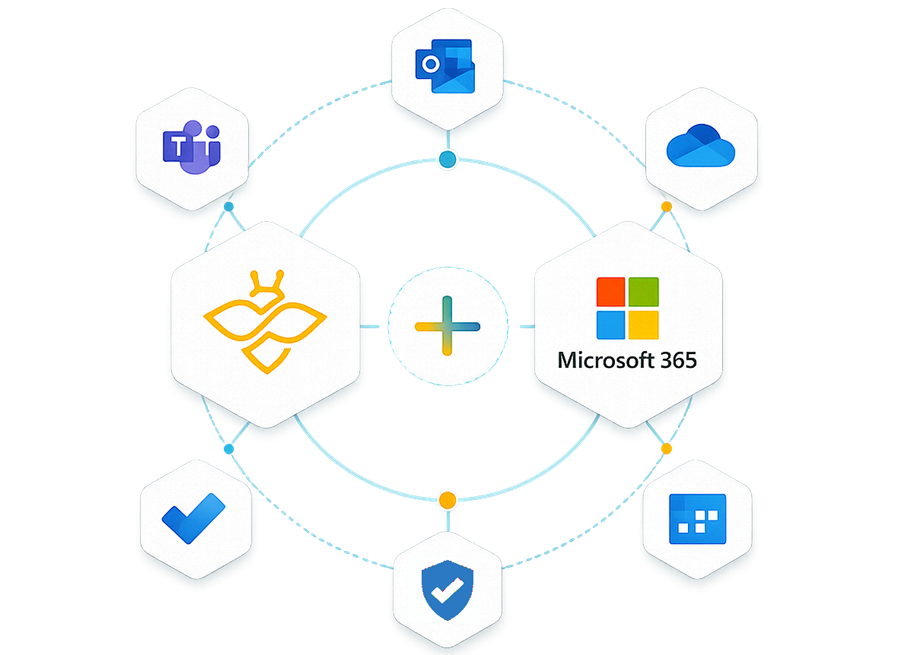
One calendar, one scheduling experience: Outlook, Teams, and Beenote work together so you can prepare your meetings, join them with a single click, and access all your meeting information in one central place.
No credit card required
Microsoft Teams
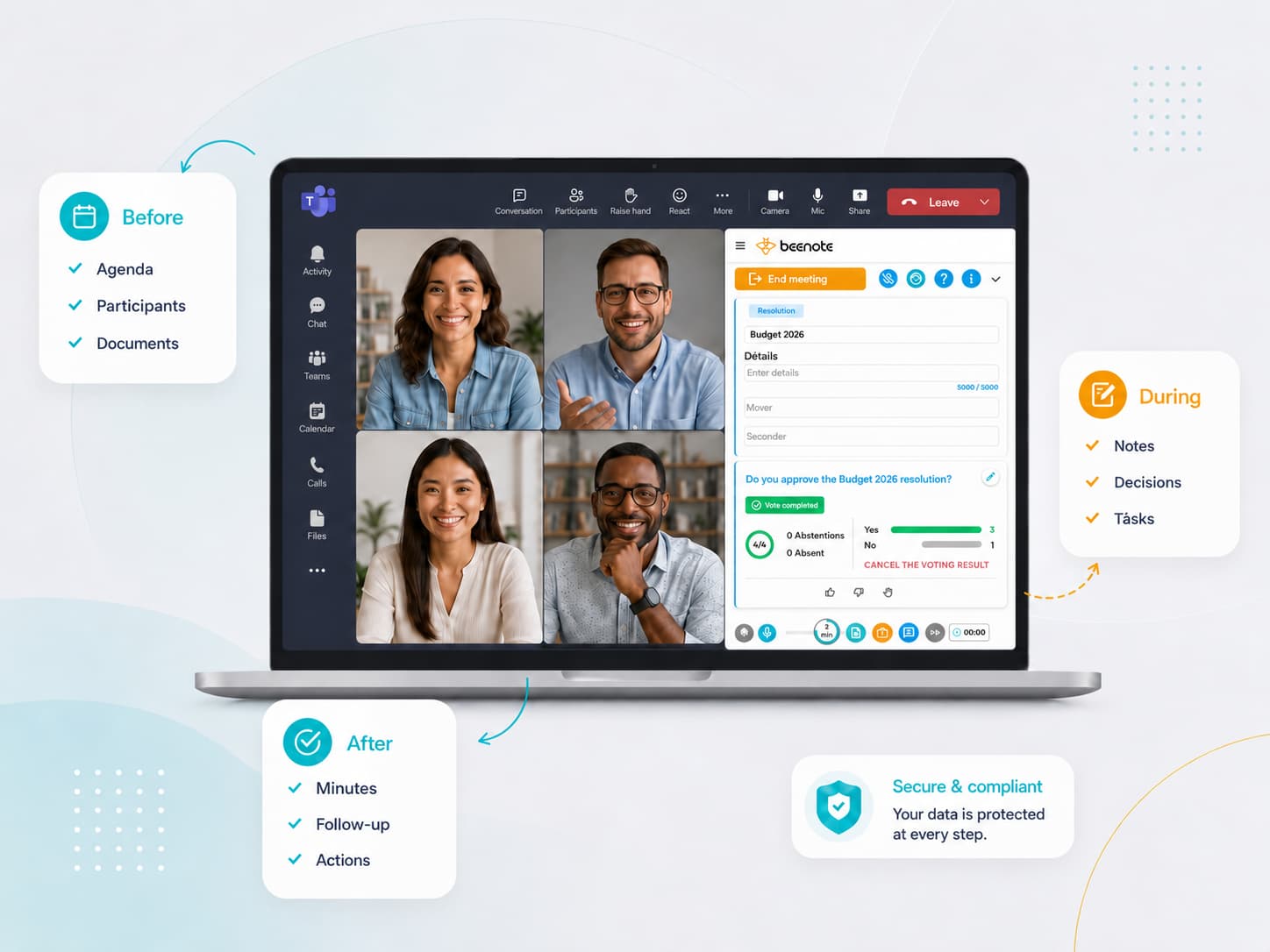
Run your meetings in Teams. Structure them with Beenote
Beenote automatically creates the Microsoft Teams meeting link associated with your meeting. During the video conference, participants can open Beenote directly within Teams using the dedicated app. They can then access the tools they need to follow the agenda, capture meeting notes, document decisions, and assign action items.
After the meeting, minutes, action items, and decisions remain centralized, organized, and easy to track in Beenote.
Outlook Calendar
Schedule meetings faster and with less effort
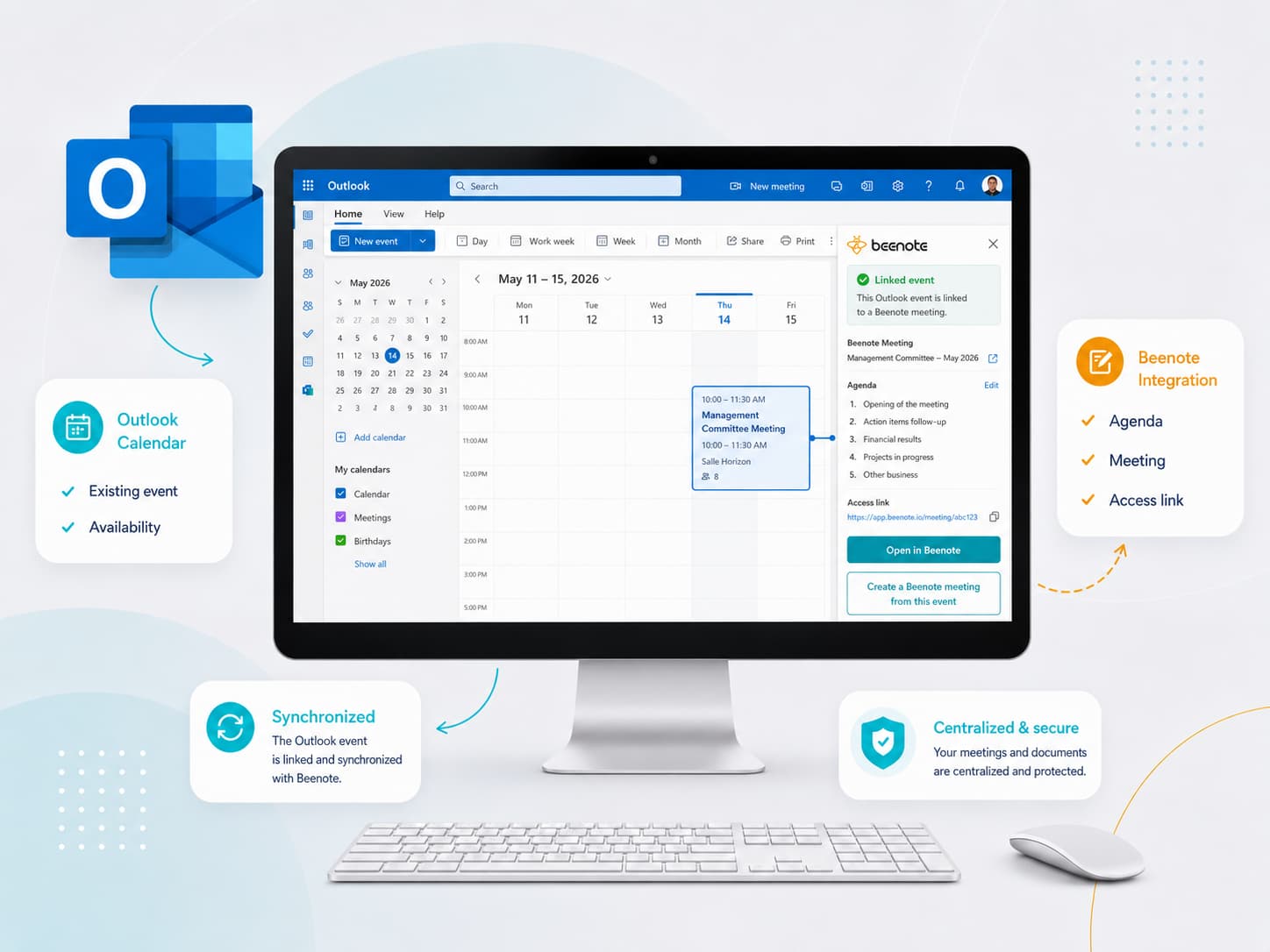
Continue to use your Microsoft tools and add value to your meetings with Beenote
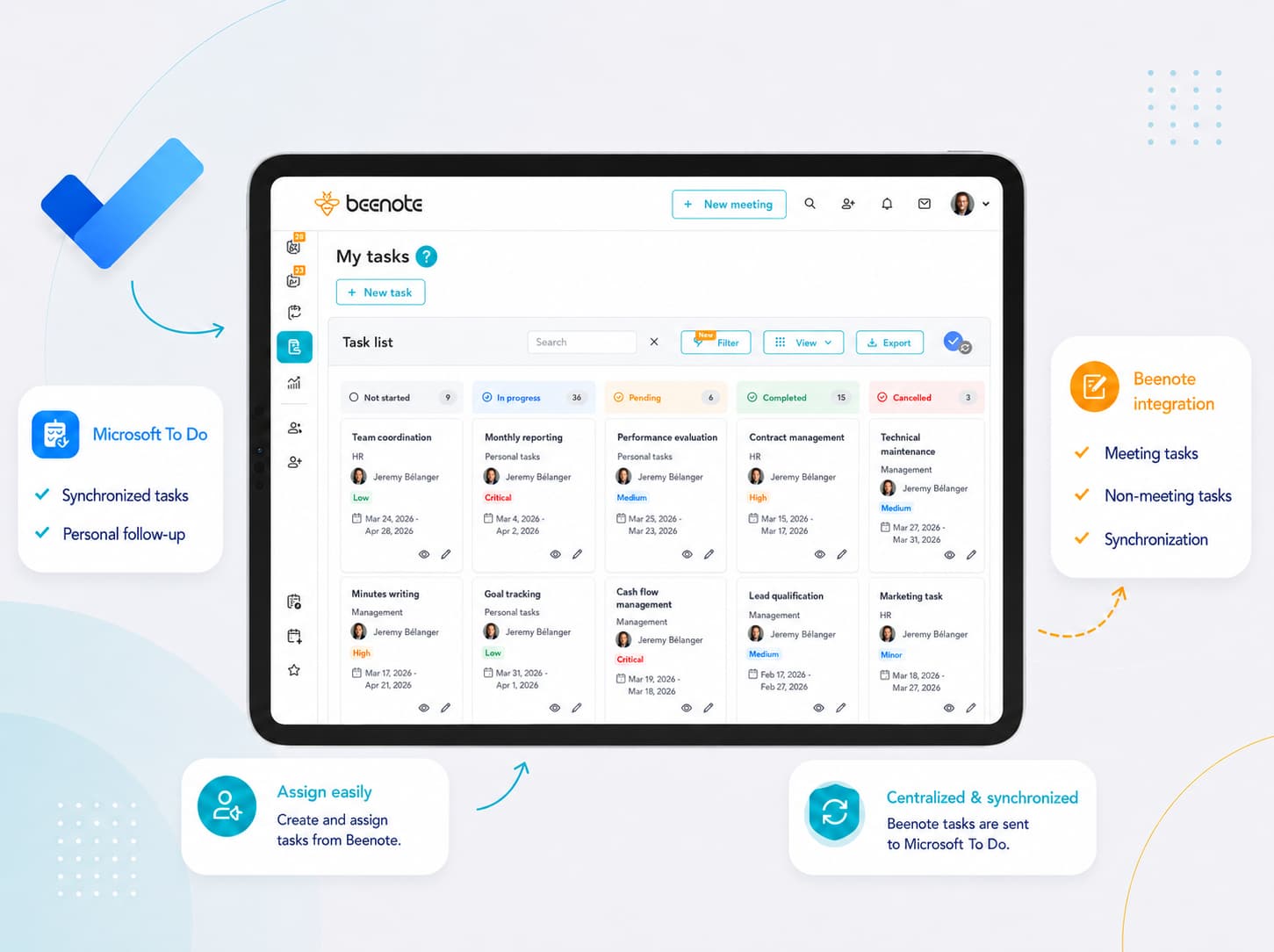
Microsoft TODO
Centralize your tasks in Beenote and keep them synchronized with Microsoft To Do
Assign, update, and complete tasks directly in Beenote. Changes are automatically synchronized with Microsoft To Do, ensuring your personal and team task lists stay up to date across both platforms.