
Board Chair
Governance Platform for Board Chairs
Whether you are the chair of a board of directors, a committee or an assembly, you are responsible for ensuring that meetings run smoothly.
You approve the agenda with management, ensure that quorum is met, give participants the floor, oversee voting and sign the minutes.
And often, you take on these responsibilities alongside another professional role or on a voluntary basis.
Beenote, a governance platform for boards of directors, committees and executive teams, brings the entire meeting lifecycle together in one place:
agendas, documents, attendance and quorum, time allocation for each agenda item, votes, resolutions, minutes, signatures and decision tracking.
Beeboard, Beenote’s premium solution designed for boards of directors, helps board chairs run efficient, well-documented meetings on time,
with all data hosted in Canada.























Five Challenges Facing Board Chairs and How Beeboard Makes a Difference
The board chair’s effectiveness is measured by the quality of meetings: well-prepared directors, productive discussions, clear decisions and accurate meeting minutes. With Beeboard, you can:
Your Meeting
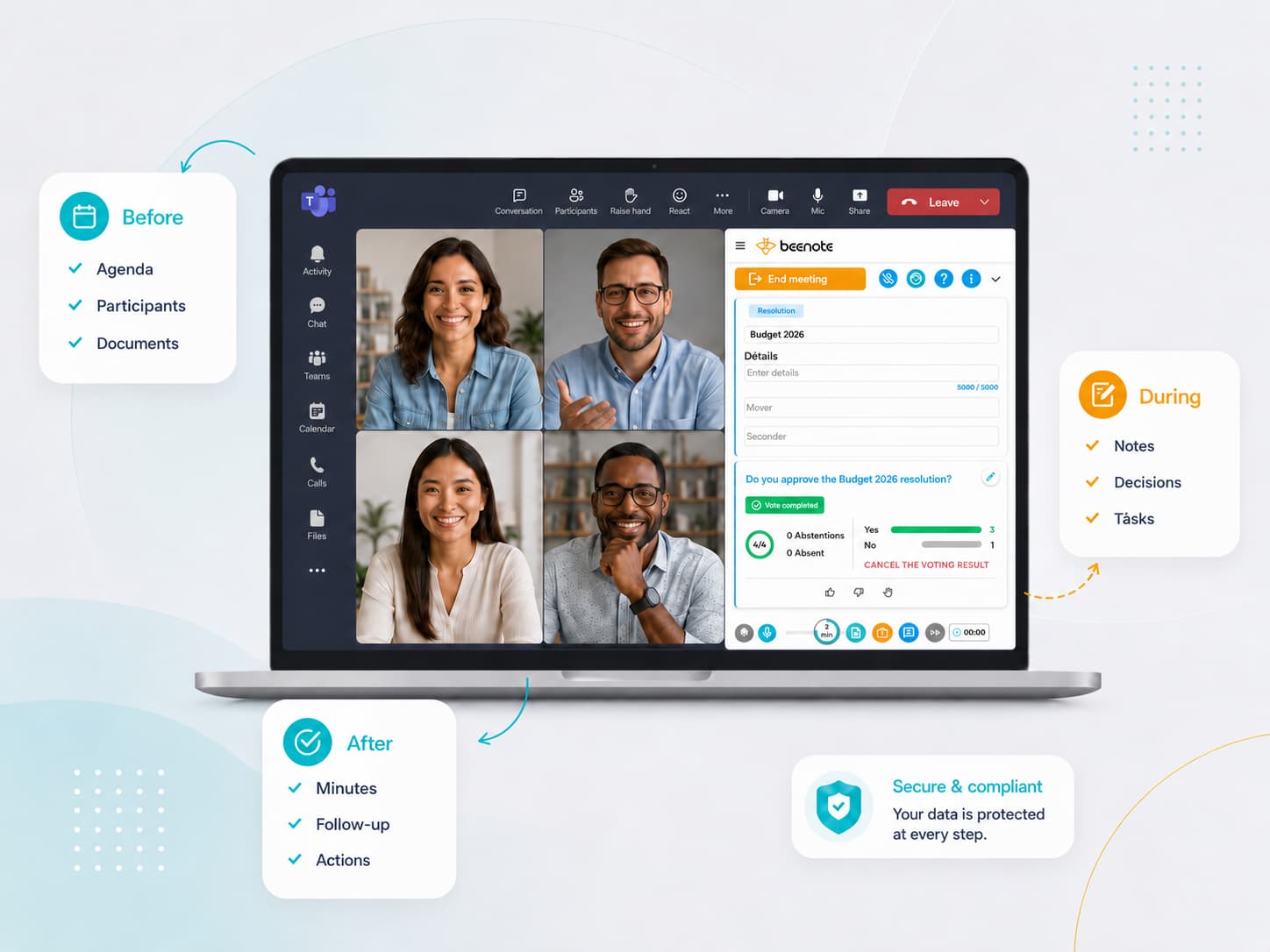
Chairing a Board Meeting in Four Steps with Beeboard
A well-chaired board meeting depends on what happens before, during and after the meeting.
Here’s how Beeboard, board chair software, supports you at every stage.
Quorum, voting and deliberation requirements remain governed by your bylaws and internal rules.
1. Approve the agenda
Review the agenda proposed by management or the corporate secretary, adjust the time allocated to each agenda item, and approve it before publication.
2. Start the meeting
Track attendance and verify quorum in real time, then call the meeting to order and start the overall meeting timer.
3. Facilitate discussions and make decisions
Guide discussions through each agenda item, conduct votes, document resolutions and defer items when necessary.
4. Close and sign
Review the meeting minutes before distribution, sign them electronically, and track decisions through to the next meeting.
Well-prepared directors
Directors who come to meetings having reviewed the documents
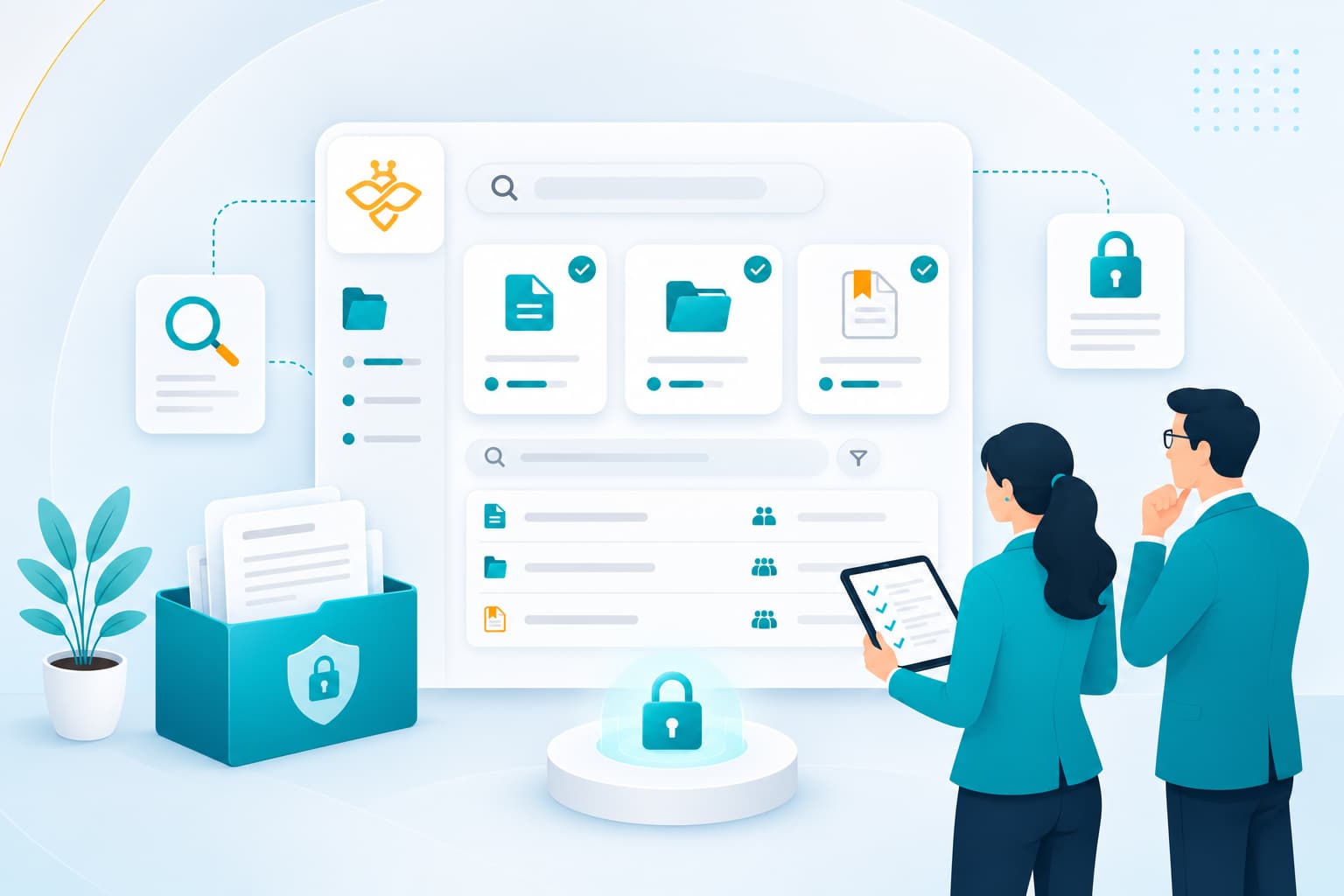
Each document is attached to its corresponding agenda item, and authorized directors can annotate it before or during the meeting from a computer, tablet or smartphone. Discussions can focus on questions that have already been raised, rather than spending time reviewing documents for the first time.
The document library keeps bylaws, internal policies, procedures and the director’s handbook readily accessible. New directors can review past decisions through the meeting minutes register and global search, while keeping their own thoughts in their personal notes.
Meetings that stay on schedule,
Decisions that never get lost.
Save Time
A Meeting That Stays on Schedule
Time management assigns a duration to each agenda item, while the overall, agenda item and break timers show you how much time has elapsed and where you stand. When a discussion needs to continue, deferred agenda items and resolutions can be carried forward to the next meeting, with clear follow-up.
Advance voting allows votes to be collected before the meeting, when permitted by your governing rules, on items that do not require discussion. Electronic voting during the meeting displays a summary of results in real time.

Hold your meetings in person, online or in a hybrid format
Directors in the boardroom and members joining remotely participate in the same meeting: attendance, votes and resolutions are recorded consistently for everyone. The Teams plugin and synchronization with Outlook and Google Calendar add meetings to everyone’s calendar.
Confidential agenda items can be handled in secretary or private mode: their notes and documents are visible only to authorized individuals.
Features
Key Beeboard capabilities for structured and Effective governance
Built to complement Beenote, Beeboard provides board chairs with the tools they need to prepare,
lead and conclude efficient, well-documented meetings.
Approval process
Face-to-face and Advance Voting
Integration with Your Tools
Digital Signature
Secretary or Private Mode
Private Library
Personal note
Two-factor authentication
Security and Compliance
Canadian Data Hosting, Controlled Access
Your data is hosted in Montreal, Canada, on Amazon Web Services (AWS) infrastructure, with a MongoDB Atlas database deployed in the same region. Data is protected by encryption in transit (TLS 1.2 or higher) and at rest (AES-256). Our infrastructure providers hold SOC 1, SOC 2 and SOC 3 attestations, as well as ISO/IEC 27001, 27017 and 27018 certifications.
Access management is based on tailored permissions, two-factor authentication and committee-level data segregation. An audit log, retained for 36 months and available in a usable format, ensures traceability of all actions.
Your data remains the property of your organization. At the end of your subscription, you can export your data before it is securely destroyed in accordance with a documented procedure. A certificate of destruction can also be provided.
Regular backups and recovery procedures further help ensure data availability and business continuity.


FAQ
Frequently Questions: Board Chairmanship
Answers to common questions from board chairs about meeting schedules, quorum, voting, signing meeting minutes
and onboarding new directors with Beeboard.
How does Beeboard help board chairs keep meetings on schedule?
You assign a time limit to each agenda item, then use the overall meeting, agenda item and break timers to keep track of time throughout the meeting. Any item that cannot be completed can be deferred to the next meeting, with clear follow-up.
How can you verify quorum during a meeting?
Beeboard tracks participant attendance in real time, allowing you to verify whether quorum has been reached. The required number of members remains governed by your organization’s bylaws and applicable laws.
Can members vote remotely or before the meeting?
Yes. Electronic voting takes place directly within the meeting, allowing both in-person and remote members to vote, with results summarized in real time. Advance voting allows members to cast their votes before the meeting. Make sure your bylaws and internal rules permit these voting methods.
How do you sign the meeting minutes?
The meeting minutes go through a review process before publication, after which you can sign them using a secure, timestamped and traceable electronic signature. Consult your legal advisor to confirm the requirements for using electronic signatures on your meeting minutes.
How can a new director get up to speed?
You give them access to the document library, committee folders and registers. The meeting minutes register and global search allow them to find past decisions and resolutions, according to the permissions you grant them.