
Board Members & Committees
Governance Platform for Board Members & Committees
Whether you are a board director, trustee, committee member, parent or student representative serving on a board,
you are there to make informed decisions, not to search through email attachments.
Yet meeting documents arrive by email in multiple versions, meeting dates get lost in endless email threads,
and finding out what was decided two years ago can feel like detective work.
Beenote, a governance platform for board members, committees and executive teams, brings together everything board members need in one place:
meeting notices, agendas, documents, annotations, voting, minutes, decisions and action items.
Beeboard, Beenote’s premium edition dedicated to boards of directors, helps board members and committee members prepare effectively for meetings and make informed decisions, wherever they are, from a computer, tablet or smartphone, with data hosted in Canada.
























Five Key Challenges for Board Members and Committee Members and How Beeboard Helps
Board members are accountable for decisions made based on the documents provided to them. They need to be able to review those documents, ask questions and easily access the full decision history.
With Beeboard, you can:
Your Meeting
A Board Meeting in Four Stages:
The Board Member’s Perspective
Whether you serve on the board of directors, a committee, or both, your role follows the same key steps.
Here’s how Beeboard simplifies each one, while voting and deliberation procedures remain governed
by your organization’s bylaws and internal policies.
1. Receive and Confirm
Receive the meeting invitation, add the meeting to your Outlook or Google Calendar, and confirm your attendance.
2. Prepare for the Meeting
Review documents item by item, add annotations, jot down your questions, and cast your vote in advance if your organization’s rules allow it.
3. Participate and Vote
Whether attending in person or remotely, follow the agenda, review documents and cast your votes electronically.
4. Track Decisions
Review the meeting minutes, sign them if required by your role, and follow up on your assigned action items.
Documents
All Your Board Documents in One Secure Platform
No more scattered attachments in your personal inbox. Meeting documents stay within the platform, linked to their corresponding agenda items, while the document library keeps bylaws, policies, regulations and the board member handbook readily accessible.
Two-factor authentication, organization-defined access permissions and watermarks on sensitive documents help protect board information. Access everything from your computer, tablet or smartphone with mobile access.
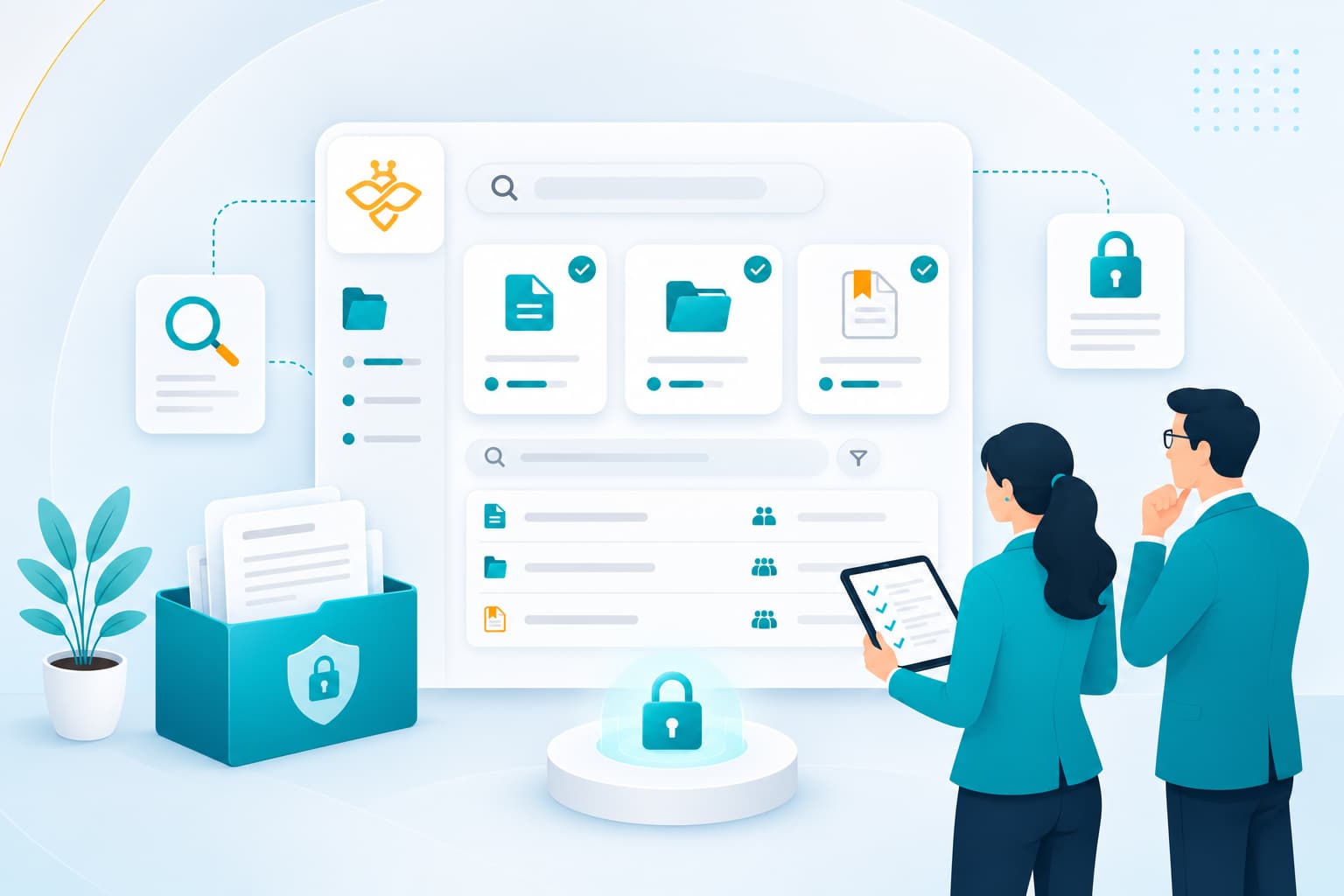
Less Time Searching,
More Time Making Decisions.
Meeting Preparation
Prepare at Your Own Pace
Your personal notes remain in your private workspace, where you can prepare your questions and thoughts before or during a meeting. Document annotations, on the other hand, can be shared with authorized participants to support discussions.
Track the action items assigned to you during meetings, as well as your personal tasks, and sync them with Microsoft To Do or Google Tasks. The calendar view brings together meetings from all the boards and committees you serve on.

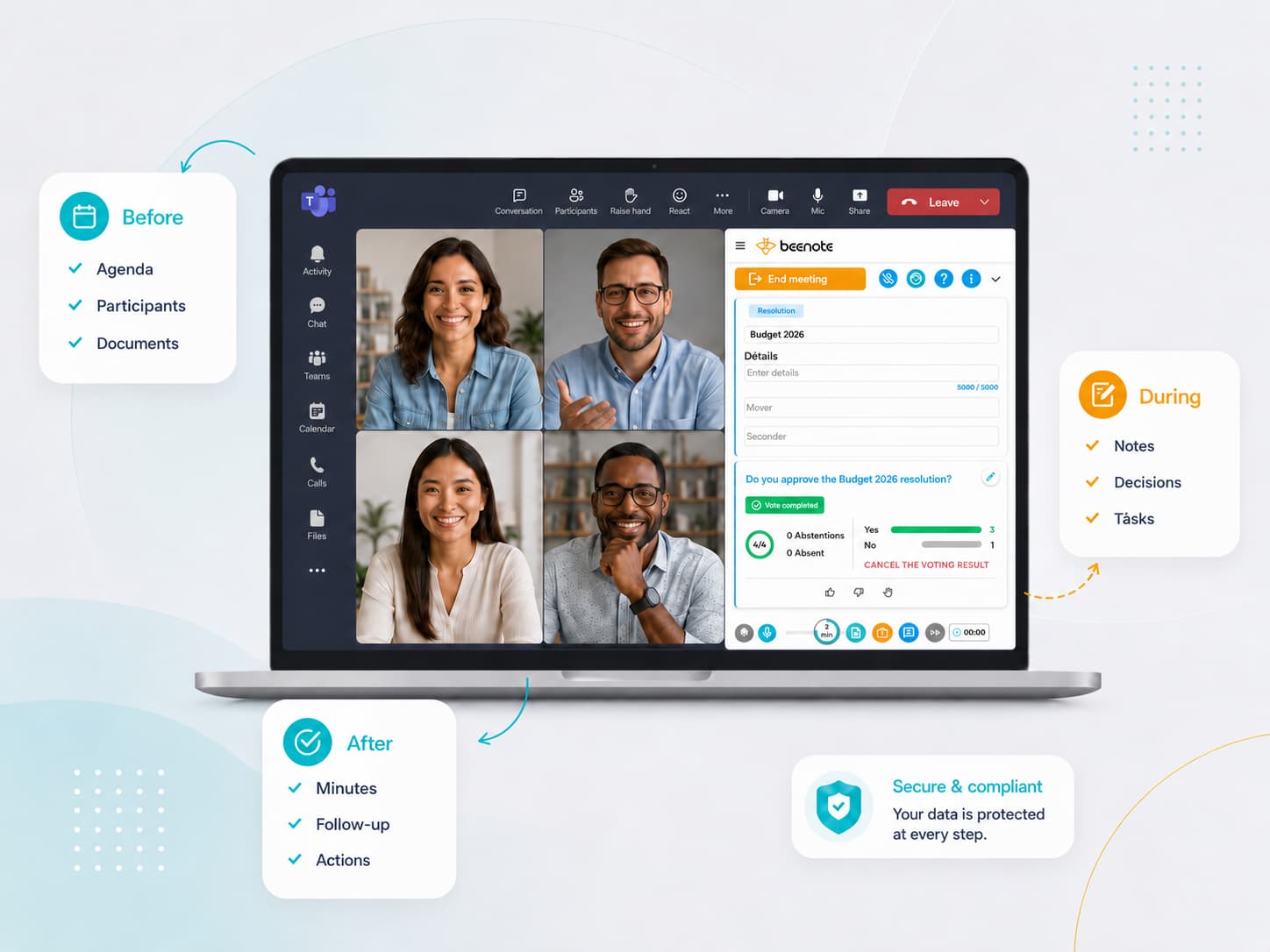
Hold your meetings in person, online, or in a hybrid format
Whether you’re in the boardroom, at home or on the go, you take part in the same meeting: follow the agenda, access documents and vote just like members attending in person. The Teams plugin and synchronization with Outlook and Google Calendar make it easy to keep meetings on your schedule.
Confidential matters discussed in secretary mode or private mode remain accessible only to authorized individuals.
Features
Key Beeboard capabilities for structured and Effective governance
Built to complement Beenote, Beeboard provides the tools board members and committee members need to prepare,
participate and make decisions with confidence.
Approval process
Face-to-face and Advance Voting
Integration with Your Tools
Digital Signature
Secretary or Private Mode
Private Library
Personal note
Two-factor authentication
Security and Compliance
Canadian Data Hosting, Controlled Access
Your data is hosted in Montreal, Canada, on Amazon Web Services (AWS) infrastructure, with a MongoDB Atlas database deployed in the same region. Data is protected by encryption in transit (TLS 1.2 or higher) and at rest (AES-256). Our infrastructure providers hold SOC 1, SOC 2 and SOC 3 attestations, as well as ISO/IEC 27001, 27017 and 27018 certifications.
Access management is based on tailored permissions, two-factor authentication and committee-level data segregation. An audit log, retained for 36 months and available in a usable format, ensures traceability of all actions.
Your data remains the property of your organization. At the end of your subscription, you can export your data before it is securely destroyed in accordance with a documented procedure. A certificate of destruction can also be provided.
Regular backups and recovery procedures further help ensure data availability and business continuity.


FAQ
Frequently Questions: Governance Platform for Board Members and Committee Members
Answers to common questions from board members and committee members about getting started, mobile access,
note privacy, serving on multiple committees, and guest access with Beeboard.
How easy is it to get started with Beeboard?
Can I access documents on my tablet or smartphone?
Yes. Beeboard’s mobile access lets you view documents from your tablet or smartphone. Download options depend on the permissions set by your organization for each document.
Can other members see my notes and annotations?
Your personal notes remain private and are visible only to you. Document annotations, on the other hand, can be shared with authorized participants to facilitate collaboration and discussion.
I serve on multiple committees. How can I stay organized?
Each board or committee has its own dedicated space, while the calendar view brings all your meetings together. You can also manage your assigned action items and personal tasks in one place.
Do guests or occasional members need a license?
No. Unregistered guests can view the agenda, access the application during the meeting and view the meeting minutes after. Regular board members require a Beeboard license.